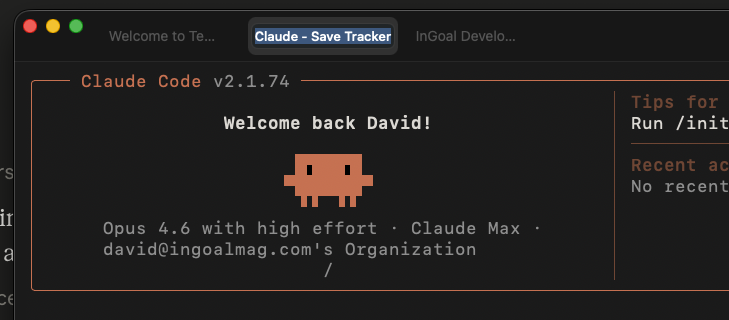
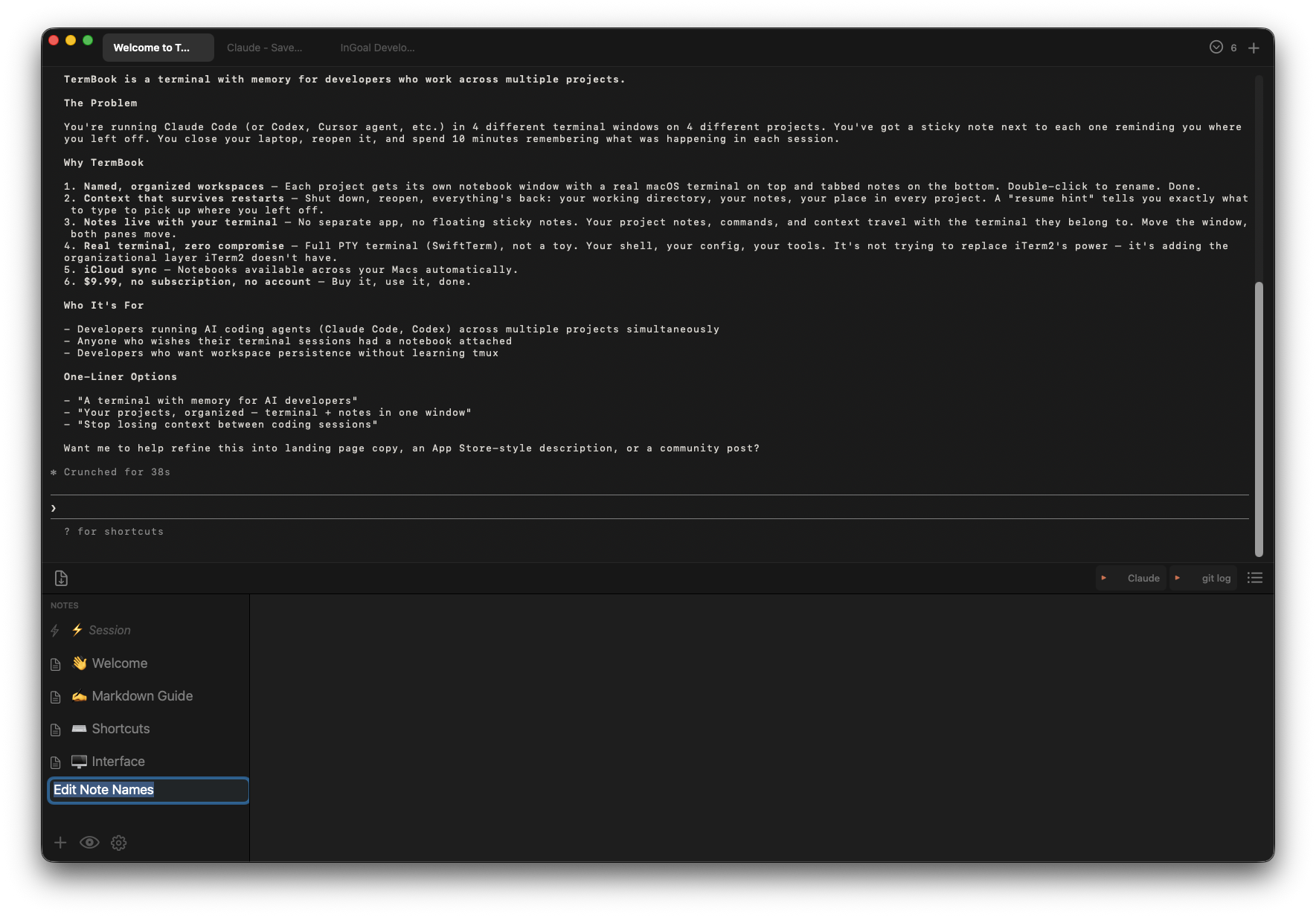
Six sessions open. All called "zsh". I finally got annoyed enough to fix it.
I run Claude Code across multiple projects at once — four or five terminal sessions all running in parallel, all named ~ — -zsh. ~ — -zsh. ~ — -zsh. Which one is which? You click around until you find it.
All I wanted was to rename the tab. Terminal wouldn't do it. So I had actual sticky notes on my screen just to keep track. Eventually I got annoyed enough to build something.
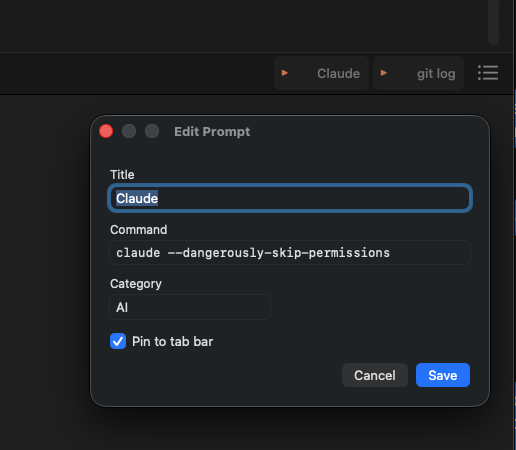
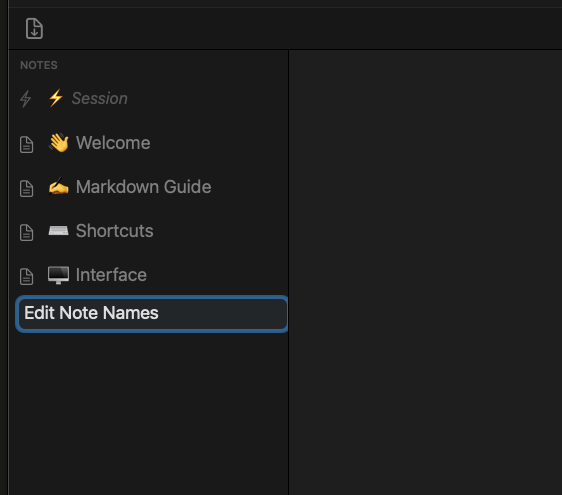
While I was at it, I added notes — a tabbed notebook that lives below the terminal, always right there. Then I kept forgetting my Claude Code commands, so I'd switch to the Claude app, ask, copy the answer, paste it back. Every time. So I added QuickPrompt — one-click buttons that fire saved commands straight into the terminal.
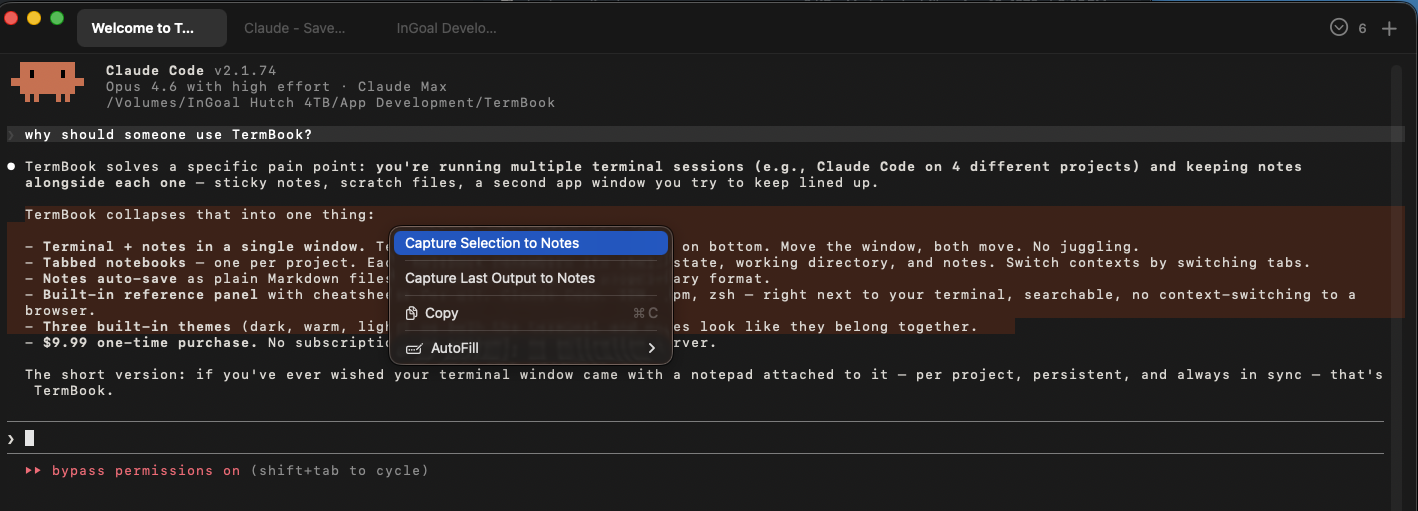
Then I'd get useful feedback from Claude and need to save it somewhere. I was copying it into text files, which felt ridiculous. So I added QuickCopy: hit Cmd+Shift+D and terminal output lands in your notes instantly. Nothing selected? It grabs the last response automatically.
I just kept solving the next small annoyance. Maybe you have the same ones.